


A lot of pages blur the line between implementation, consulting, and development. Buyers usually feel that confusion firsthand.
A Business Central developer is usually brought in when the work goes beyond standard setup. That includes:
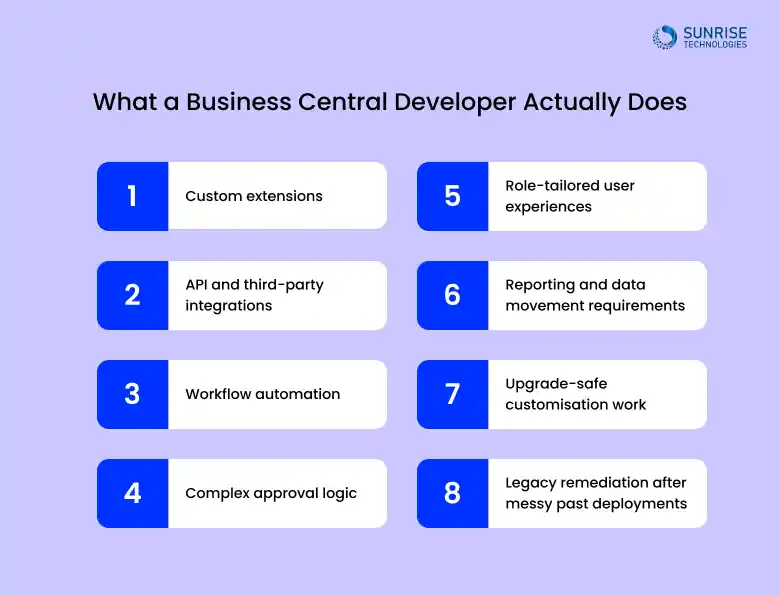
- Custom extensions
- API and third-party integrations
- Workflow automation
- Complex approval logic
- Role-tailored user experiences
- Reporting and data movement requirements
- Upgrade-safe customisation work
- Legacy remediation after messy past deployments
The buyer is no longer browsing product pages. They are looking for someone who can build.
In practice, the best developers know how to protect standard Business Central where possible and customise only where it adds real value. That balance matters. Too little development can leave teams stuck with manual workarounds. Too much can turn the system into a maintenance problem.
This is one of the most important buying questions, and it is where many businesses save or waste budget.
You usually need a developer when one or more of these situations show up:
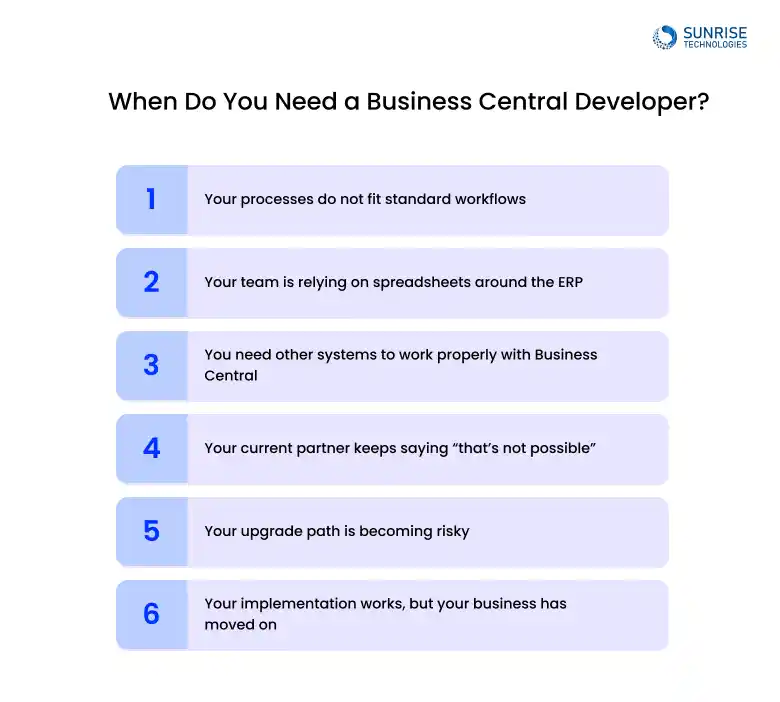
1. Your processes do not fit standard workflows
You may have unusual pricing, distribution, job costing, service operations, manufacturing needs, or multi-entity rules that do not cleanly map to the out-of-the-box process.
2. Your team is relying on spreadsheets around the ERP
If staff are exporting data just to complete normal work, that is often a sign the system needs better logic, better screens, or better automation.
3. You need other systems to work properly with Business Central
This could be eCommerce, payroll, transport, production, WMS, Power Platform, CRM, EDI, or industry tools. Standard connectors do not always cover the real business requirement.
4. Your current partner keeps saying “that’s not possible”
Often it is possible. It may just require better design, an extension, or a cleaner architecture.
5. Your upgrade path is becoming risky
Older customisations or rushed development can make upgrades painful. A good developer helps simplify, refactor, or replace brittle work.
6. Your implementation works, but your business has moved on
This is common in growing companies. What worked at go-live no longer supports the size, speed, or reporting needs of the business.
That is usually the point when buyers start searching hire Business Central developer Australia rather than generic ERP support.
1. Sunrise Technologies

Sunrise Technologies is a strong fit for businesses that do not just want Business Central implemented, but properly shaped around the way the business runs.
What makes Sunrise stand out in a developer-focused list is the emphasis on connected business systems, not isolated ERP work. For buyers looking for a Dynamics 365 Business Central developer company, that matters. Many ERP projects break down not because Business Central is the wrong platform, but because it gets deployed without enough attention to integration, automation, or the edge cases that matter in daily operations.
Sunrise is best positioned for organisations that need:
- Tailored Business Central extensions
- Integration with Microsoft and third-party systems
- Workflow automation to reduce manual processing
- Custom development that supports finance, operations, and reporting together
- A partner that can work across broader Microsoft environments, not just one product screen at a time
This is especially relevant for mid-sized businesses that have already outgrown generic ERP support and now need a team that can bridge functional needs with build capability. If your business is asking whether to hire a Business Central developer in Australia to support because your system needs more than the standard setup, Sunrise belongs near the top of the shortlist.
Why Sunrise Technologies is a strong choice
- Suitable for mid-sized and established businesses
- Good fit for integration-heavy environments
- Developer-led thinking rather than purely product-led messaging
- Better suited to custom operational needs than a generic reseller model
2. Walkerscott

Walkerscott is a certified Microsoft Dynamics partner with strong experience in Business Central implementations, integrations, and add-on ecosystems.
They focus heavily on:
- System optimisation and health checks
- Integration improvements
- Extension-based enhancement rather than heavy customisation
Their approach leans toward structured, product-based delivery rather than custom-heavy builds.
Best fit: Businesses looking to improve or stabilise an existing Business Central environment.
3. Fenwick

Fenwick positions Business Central as a full ERP backbone, covering finance, operations, inventory, and reporting.
They combine:
- Implementation capability
- Industry-focused solutions
- Packaged extensions and repeatable frameworks
This makes them more solution-led than purely developer-led, but still relevant for businesses needing structured expansion of Business Central.
Best fit: Organisations wanting a stable, packaged ERP approach with some level of customisation.
4. SOCO

SOCO focuses strongly on project recovery, optimisation, and technical review, which is a key indicator of real-world experience.
They highlight:
- System health checks
- Identifying configuration and integration gaps
- Fixing manual workarounds and inefficiencies
They also acknowledge common failures like:
- Poor configuration
- Missing integrations
- Low adoption
Best fit: Businesses where Business Central is already live but not delivering expected results.
5. iCatalyst

iCatalyst is an Australian Microsoft partner with a strong team of senior Dynamics professionals across major cities.
They offer:
- Implementation
- Upgrades
- Integration
- Ongoing support
Their strength lies in experience and delivery maturity, especially for larger or more complex projects.
Best fit: Organisations needing experienced Dynamics professionals across multiple Microsoft solutions.
6. Dynamics Square Australia

Dynamics Square is a Microsoft-focused partner covering both ERP and CRM across Dynamics 365.
They offer:
- Business Central implementation
- Upgrades from legacy systems
- Industry-specific solutions
Their positioning is broader than just Business Central development, but they remain a relevant option in the Australian market.
Best fit: Businesses comparing multiple Dynamics solutions, not just Business Central.
7. DynamicsSmartz Australia
DynamicsSmartz brings scale, with:
- 25+ years of experience
- Large global delivery team
- End-to-end Dynamics services
They support:
- Customisation
- Integration
- Ongoing system support
Their strength lies in resource depth and scalability, rather than niche local specialisation.
Best fit: Businesses needing continuous development and support capacity.
8. Elioplus

Elioplus is not a direct Business Central development company—it acts as a partner discovery platform listing Microsoft Dynamics partners globally.
It helps businesses:
- Discover partners
- Compare vendors
- Access partner networks
Best fit: Early-stage research, not direct development execution.
9. Australian Indigenous AI Solutions

This company offers Business Central solutions as part of a broader AI and Microsoft services portfolio, including implementation, upgrades, and integrations.
They focus on:
- SMB adoption of Business Central
- AI-enhanced workflows
- End-to-end Microsoft ecosystem services
Best fit: Small to mid-sized businesses exploring Business Central with AI-driven enhancements.
10. Professional Advantage

Professional Advantage is a well-established Microsoft partner in Australia with a strong focus on Dynamics 365 Business Central implementation and ongoing system support.
Key Capabilities
- Business Central implementation and rollout
- System optimisation and performance improvement
- Integration with Microsoft 365 and business tools
- Ongoing support and managed services
Best fit: Organisations looking for a stable, long-term partner to manage and optimise their Business Central environment.
Businesses often know they have a problem, but are not sure whether it is “developer work” or just extra training. These are the kinds of custom jobs that commonly justify development spend:
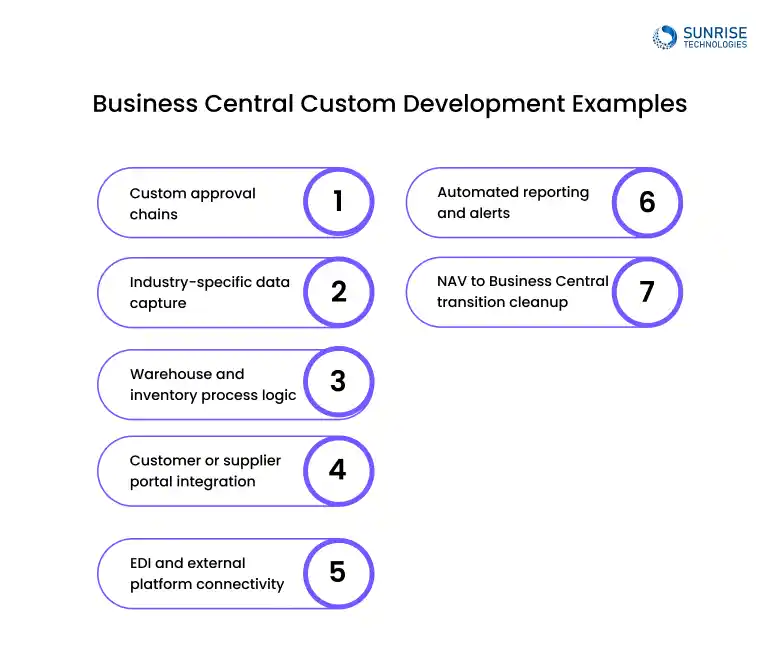
Custom approval chains
Where approvals depend on value, entity, department, item group, or exception rules.
Industry-specific data capture
For example, extra job, service, batch, quality, or compliance fields that standard screens do not handle well.
Warehouse and inventory process logic
Especially where multiple locations, scanning, transfers, landed cost, replenishment, or special picking rules are involved.
Customer or supplier portal integration
So data can move cleanly without rekeying.
EDI and external platform connectivity
To support retail, logistics, procurement, or trading requirements.
Automated reporting and alerts
Particularly when management reporting depends on timed exports or cross-system consolidation.
NAV to Business Central transition cleanup
Where old custom objects need to be rebuilt properly using extensions.
These are the kinds of Business Central custom development examples that separate a basic partner from a true development-led provider.
Pricing varies a lot, but buyers still want a realistic frame.
The cost to hire Business Central developer Australia usually depends on:
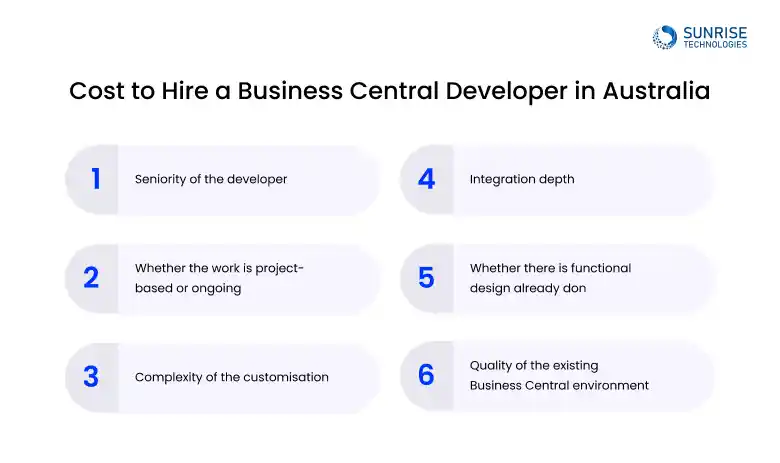
- Seniority of the developer
- Whether the work is project-based or ongoing
- Complexity of the customisation
- Integration depth
- Whether there is functional design already done
- Quality of the existing Business Central environment
As a practical guide, Australian buyers often see pricing in one of these patterns:
- Small enhancement or extension work: fixed-scope packages or short sprints
- Dedicated developer support: ongoing monthly allocation
- Project-based development: priced around milestones and technical deliverables
- Rescue/remediation work: often more expensive because of inherited system risk
The real cost question is not just the day rate. It is whether the work reduces manual effort, avoids future rework, and stays maintainable during upgrades.

A Business Central developer builds and customises the system to match how your business operates. This includes creating extensions, integrating with other platforms, automating workflows, and improving how data flows across departments.
You typically need a developer when standard Business Central features are not enough. This includes situations where you need custom workflows, integrations with other systems, advanced reporting, or automation to reduce manual work.
A consultant focuses on setup, configuration, and business process alignment. A developer handles technical work like coding extensions, building integrations, and customising system behaviour. Most projects need both at different stages.
Costs vary depending on experience and scope. Small customisations may cost a few thousand dollars, while larger development or integration work can range significantly higher. Ongoing developer support is often structured as monthly or project-based engagement.
Yes. Business Central can be customised to suit industries like manufacturing, distribution, retail, and services. Developers can extend the system to support industry-specific workflows, reporting, and operational needs.
Common tasks include building custom extensions, integrating with third-party platforms, automating processes, creating approval workflows, and improving system usability for different teams.
Look for developers with real Business Central experience, strong integration skills, and an understanding of business workflows. It’s also important they can explain when to customise and when to use standard features.
Simple changes can take a few days, while more complex custom development or integrations may take weeks or months. The timeline depends on how detailed the requirements are and how many systems are involved.
In most cases, yes. As your business grows, you may need new features, integrations, or improvements. Ongoing developer support helps keep the system aligned with changing business needs.
Extensions are custom-built features added to Business Central without changing the core system. They allow businesses to customise functionality while keeping the system upgrade-friendly.
Yes. Business Central can integrate with CRM systems, eCommerce platforms, payroll tools, and other business applications. Developers typically use APIs and connectors to enable seamless data flow.
AL is the programming language used to build extensions in Business Central. Developers use AL to create custom features, automate processes, and extend system functionality safely.
Yes. Business Central is widely used by mid-sized businesses because it combines finance, operations, and reporting in one system. With the right development support, it can scale as the business grows.
Without proper development support, businesses may rely on manual workarounds, disconnected systems, or inefficient processes. This can lead to errors, reduced productivity, and limited return on investment.
Yes. Many developers are brought in after implementation to optimise workflows, fix integration issues, and improve system performance based on real usage.




Cloud Based Project Management Platform
Read the challenges we faced and how we helped
View Case Study